Documents
Content may include inaccuracies, outdated information, or technical errors. Users are advised to cross-check critical information before implementation.
A document is a block editor and at the same time a model of the project. Text is written in it - headings, paragraphs, lists, tables, code, media - together with values computed from other models.
The content is recomputed every time the document is opened, and what you edit is the finished text.
Creating a document
- Open the project menu, choose New model, enter a Name, pick the Model type Document and click Create.
- Right-click the document in the model explorer, choose New representation, enter a name and click Create. The block editor opens.
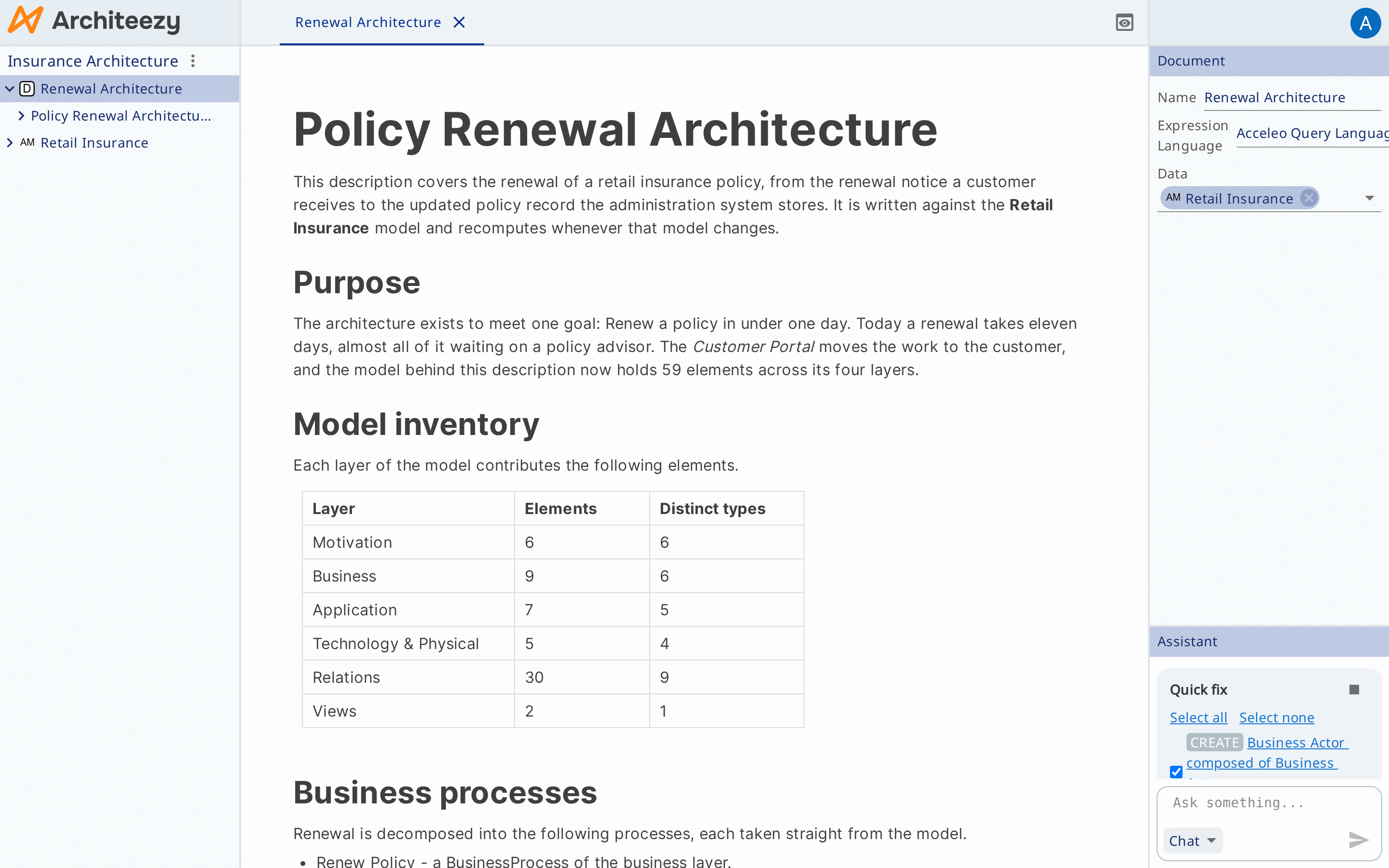
- Select the document and add to Data in its form the model roots the document reads values from.
Expressions reach the bound roots through self.data. It is always a
collection, even with one root. Roots from other models of the project may be
bound as well.
The same form holds Expression language: AQL, OCL, SPARQL, CEL or EOL. One language applies to the whole document; if none is chosen, expressions are evaluated with AQL.
Fields
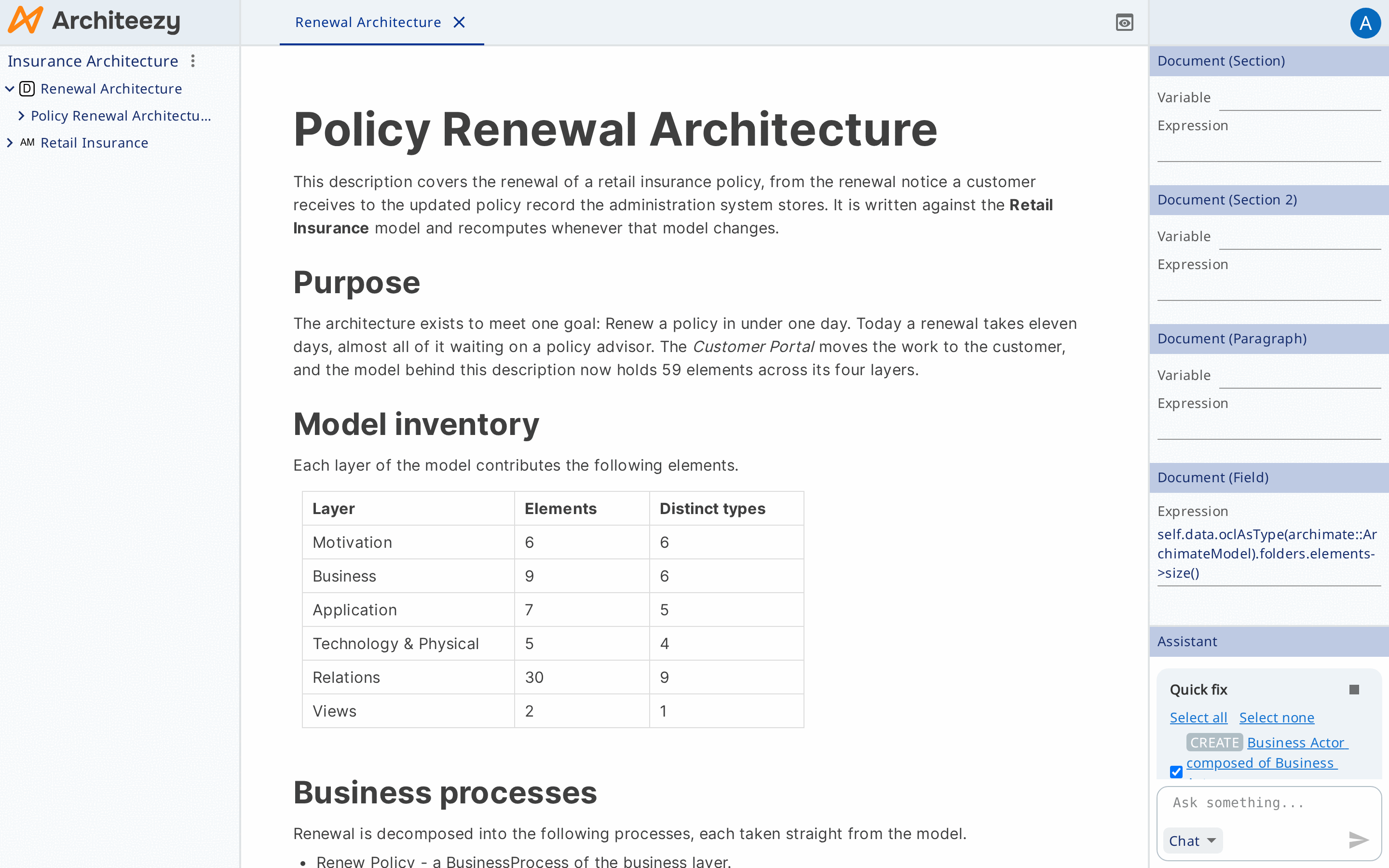
A field is an inline fragment whose value is computed from the model.
- Type
/, open the group Dynamic in the menu and choose Field. - Enter an expression,
self.data.elements->size()for example, and press Enter.
From then on the field shows the computed value. The expression is edited in Expression in the properties form.
A number, a string and a boolean are printed as they are, a model object as
Label (EClassName), a collection element by element, an empty result as the
placeholder …. If an expression fails, the field shows the error and the rest
of the document is assembled as usual.
Fields only read the model. An expression that would change it is not executed.
Repeated blocks
Replication renders a block once per element of a collection.
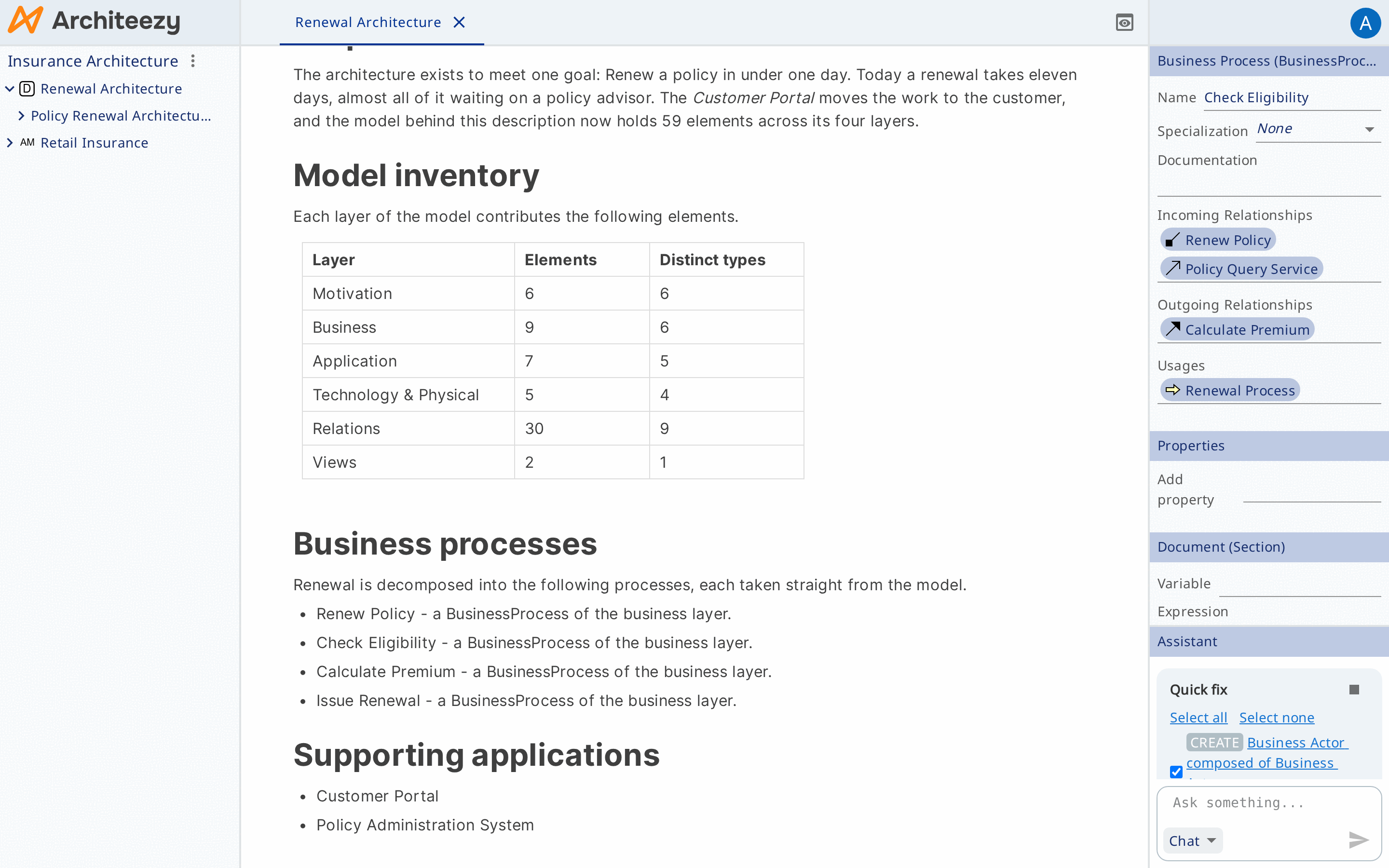
- Put the cursor in the block and fill in two fields in the properties form:
Expression - the collection,
self.data.elementsfor example - and Variable - the name each copy binds its element to,clsfor example. - Put a field with the expression
cls.nameinto the block.
Paragraphs, list items, quotes, code blocks, tables, rows and cells replicate. A heading replicates together with its section, that is with every block down to the next heading of the same or a higher level. Separators, images, video, audio and files do not replicate.
Editing any copy changes the single original, after which the other copies are redrawn. Nested replicated blocks multiply the collections, and the inner copy sees both variables.
The number of copies comes from the collection: to get fewer copies, remove
elements from the model. An empty collection gives one copy with the placeholder
… in its fields.
Outline
The model explorer builds an outline from the headings of the document, which makes moving around a long text easier.