Create a Project
Click New Project:
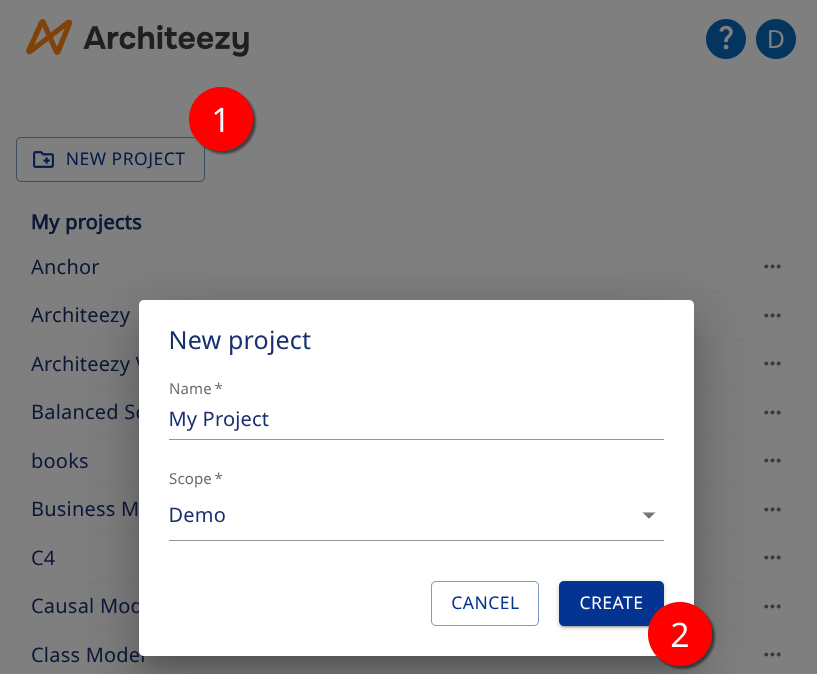
Enter a Name.
Select a Scope. A scope is a modeling space that groups projects and simplifies access management. You have a personal scope by default.
Click Create.
The project workspace opens:
- On the left - the model explorer, where you create models and browse their structure
- In the center - the editing area for models and documents
- On the right - the details panel for models, objects and relationships
