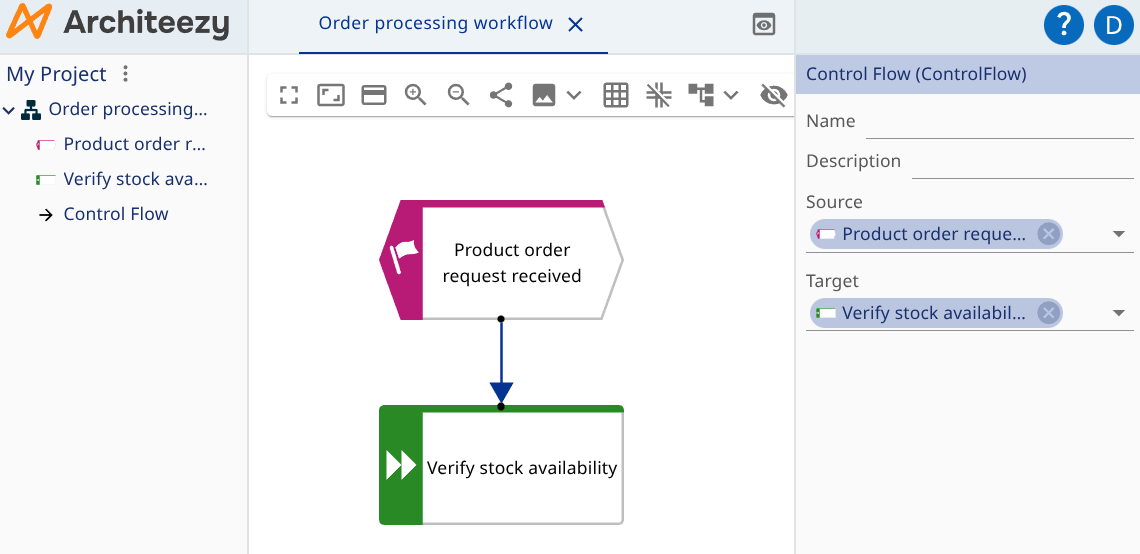
Add Objects
Right-click the diagram to open the palette:
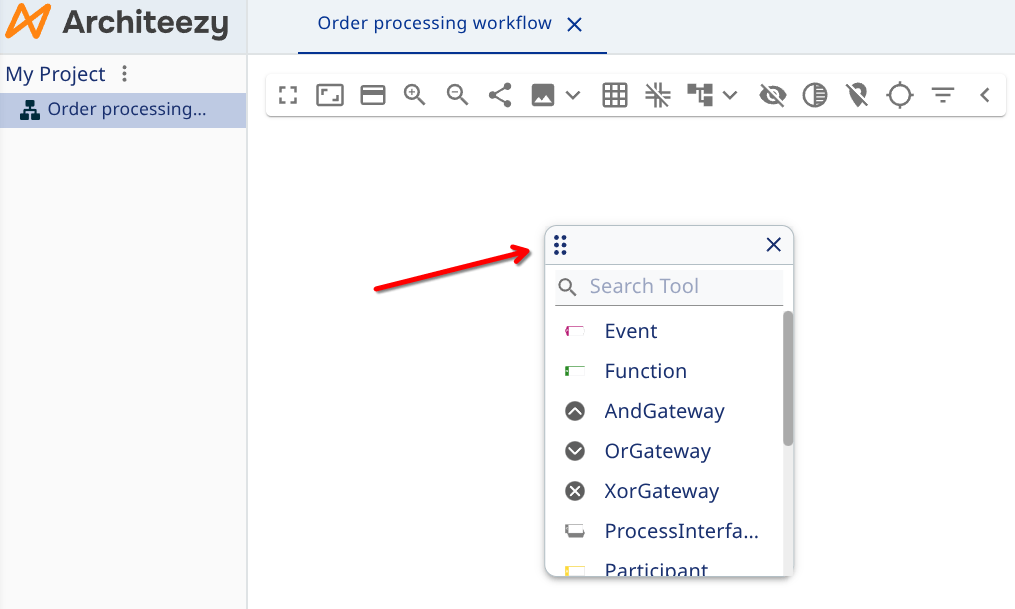
Pick a creation tool and the element appears where you clicked.
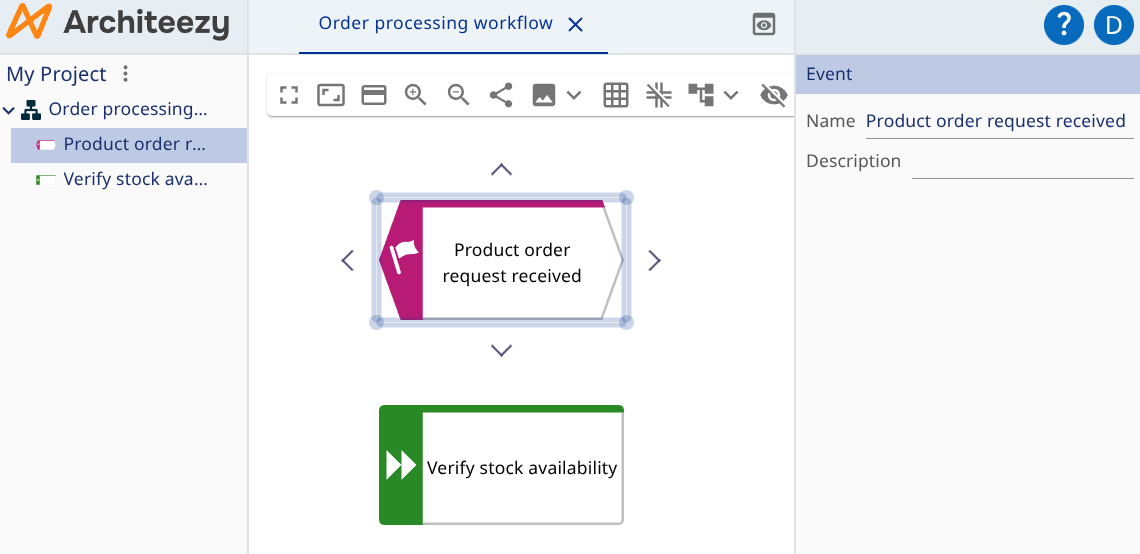
To rename an element, select it and start typing, or press F2. You can also rename it in the properties form or in the model explorer.
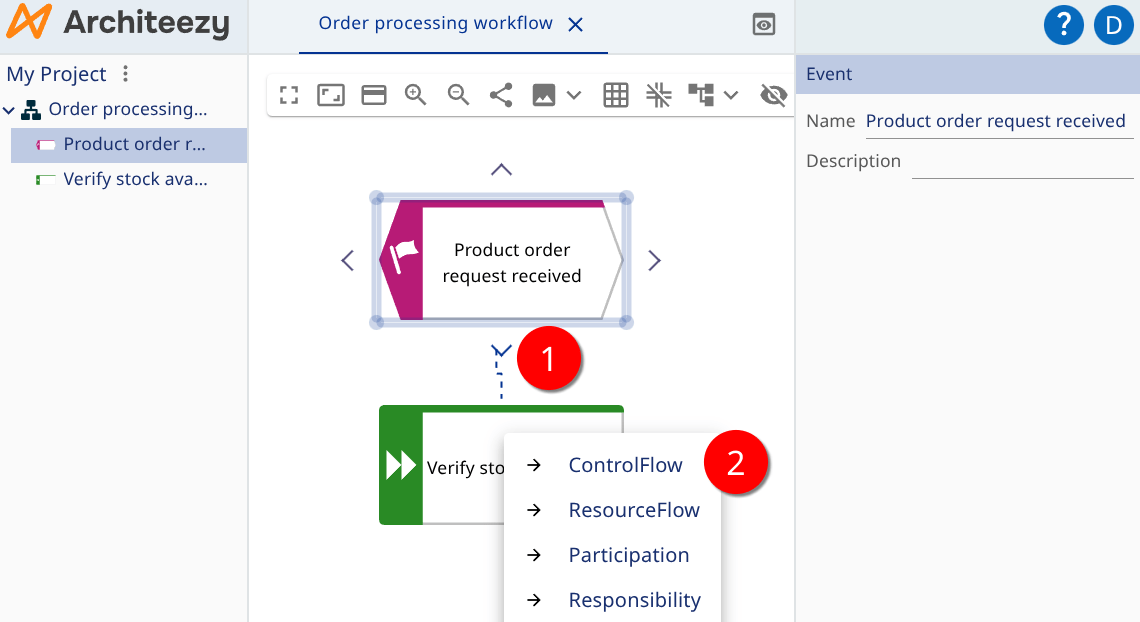
To create a relationship, hover over the source element and drag from one of the connection handles on its border onto the target element. If several relationship types are valid between the two, a menu lists them; pick one.
Relationships have properties of their own: