Conceptual Model
Content may include inaccuracies, outdated information, or technical errors. Users are advised to cross-check critical information before implementation.
A conceptual model records the concepts of a domain and the relationships between them, before any decision about how those concepts will be stored and implemented.
Create the model
Create a model City Transit of the type ConceptualModel and open its
diagram. The model has two collections: Concepts and Relationships.
Concepts
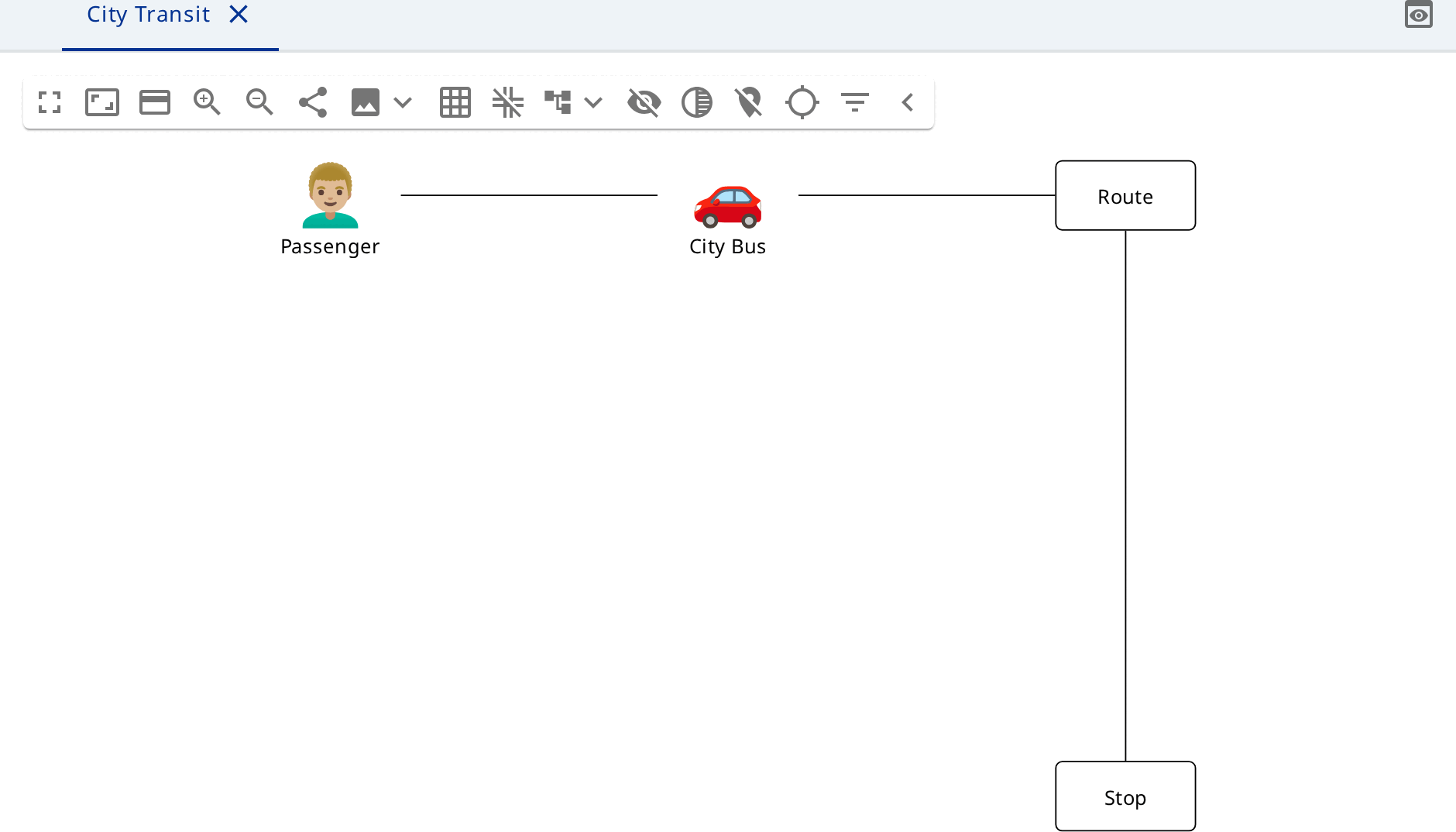
Add three Person nodes and set the kind of each, so that the picture fits
the role: Passenger (Woman), Driver (Man), Inspector (Detective).
Add two Vehicle nodes: City Bus (Bus) and Depot Shuttle (Minibus).
For concepts without a picture add Concept nodes: Route, Stop,
Timetable, Ticket, Fare Zone.
Groups
Add a Group Network and drag Route, Stop and Fare Zone into it. Add
a second group Fleet and drag both vehicles into it. A group is itself a
concept, and groups nest.
Relationships
Draw the relationships and set the kind of each:
| From | To | Kind | Name |
|---|---|---|---|
Route | Stop | Composition | consists of |
Fare Zone | Stop | Aggregation | covers |
Timetable | Route | Reference | schedules |
City Bus | Route | Association | serves |
Driver | City Bus | Association | drives |
Passenger | Ticket | Association | buys |
Ticket | Fare Zone | Dependency | is priced by |
Inspector | Ticket | Usage | checks |
Depot Shuttle | City Bus | Generalization |
Descriptions and translations
Every element of the model - the model itself, a concept and a relationship -
has four attributes: name, description, localizedName and
localizedDescription.
Fill in description on the concepts whose meaning is not obvious, Fare Zone
for example. Set localized names where another language has an accepted term.