C4
Content may include inaccuracies, outdated information, or technical errors. Users are advised to cross-check critical information before implementation.
C4 describes a software system at four levels of detail: the system among its users and neighbouring systems, the containers it is built from, the components inside a container, and the infrastructure all of it runs on.
Create the model
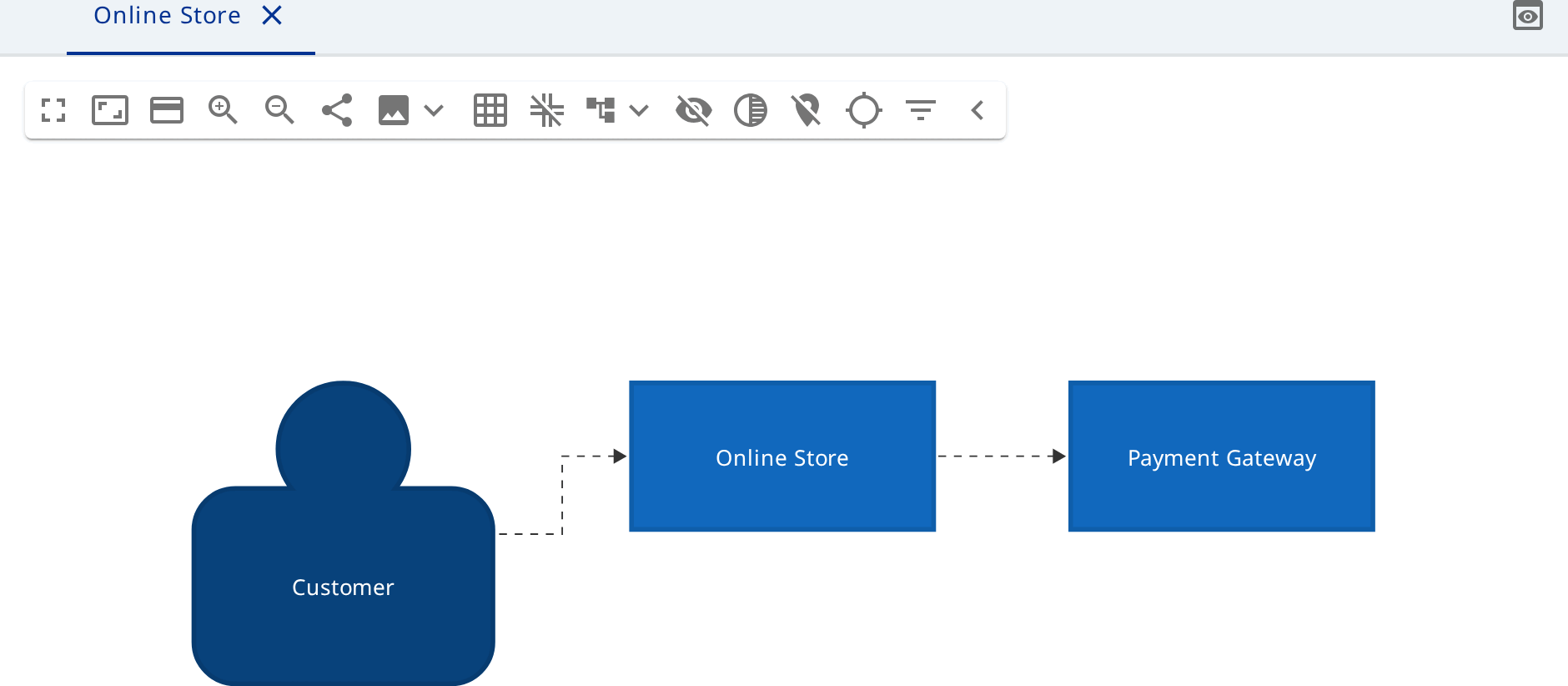
Create a model Online Store of the type System Landscape (C4) and open its
System Landscape Diagram.
A C4 model has four root types: system landscape, software system, container and deployment environment. The root sets the boundary of the model. You may start at any level; a separate model per level is not needed.
Context
Add two Person elements - Customer and Support Agent - and the system
under design as a Software System Online Store.
Add the neighbouring systems as Software System elements too:
Payment Gateway, Warehouse System, Email Service. Turn on existing for
each, so that they are drawn grey.
C4 has one relationship. Draw it from source to target and name it after the
interaction: Browses and orders, Takes payment, Sends confirmations. The
relationship also has an optional technology, HTTPS for example.
Containers
Select Online Store and create a Software System Diagram on it - the
diagram opens what is inside that system.
Add Container elements and give each a technology: Storefront
(React), Admin Console (React), Store API (Spring Boot),
Order Database and Catalog Database (PostgreSQL). Set kind Database
on the two stores - they are drawn as cylinders.
Draw the relationships between the containers and one relationship out of the
system, from Store API to Payment Gateway. That is the same element as on
the context diagram, shown here because the call happens at this level.
Components
Select Store API and create a Container Diagram on it. Add Component
elements: Catalog Controller, Cart Service, Order Service,
Payment Adapter, Order Repository. Put the last three into a Component
Group Checkout - the group draws a frame and means nothing in the model.
Deployment
Back on the landscape, add a Deployment Environment Production and create
its Deployment Environment Diagram.
Nest Deployment Node elements: AWS eu-central-1, and inside it
Customer Browser, EKS Cluster and RDS.
In the cluster create an Infrastructure Node Ingress Controller and
Container Instance elements for Store API and Admin Console. Put the
Storefront instance in the browser and both database instances in RDS.
Instances are objects in their own right: two instances of Store API say it
runs as a pair.