Validation
Content may include inaccuracies, outdated information, or technical errors. Users are advised to cross-check critical information before implementation.
Validation runs continuously. A notice appears as soon as an object breaks a rule and disappears once the object is fixed. Notices are not stored in the model and do not reach an exported file.
Notices in the model explorer
Look at the model explorer. Under the model there is a row like Information (1) - the empty view you created earlier is already reported.
- Expand the row. Notices are grouped by severity first, then by rule.
- Click a notice. The details panel shows the rule, the object and the severity.
- Double-click it to select the object it is about.
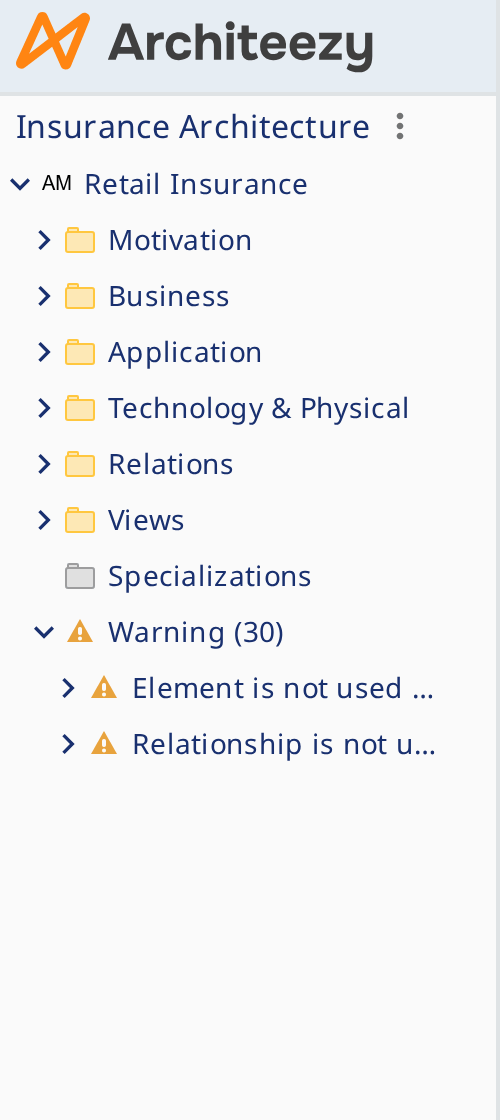
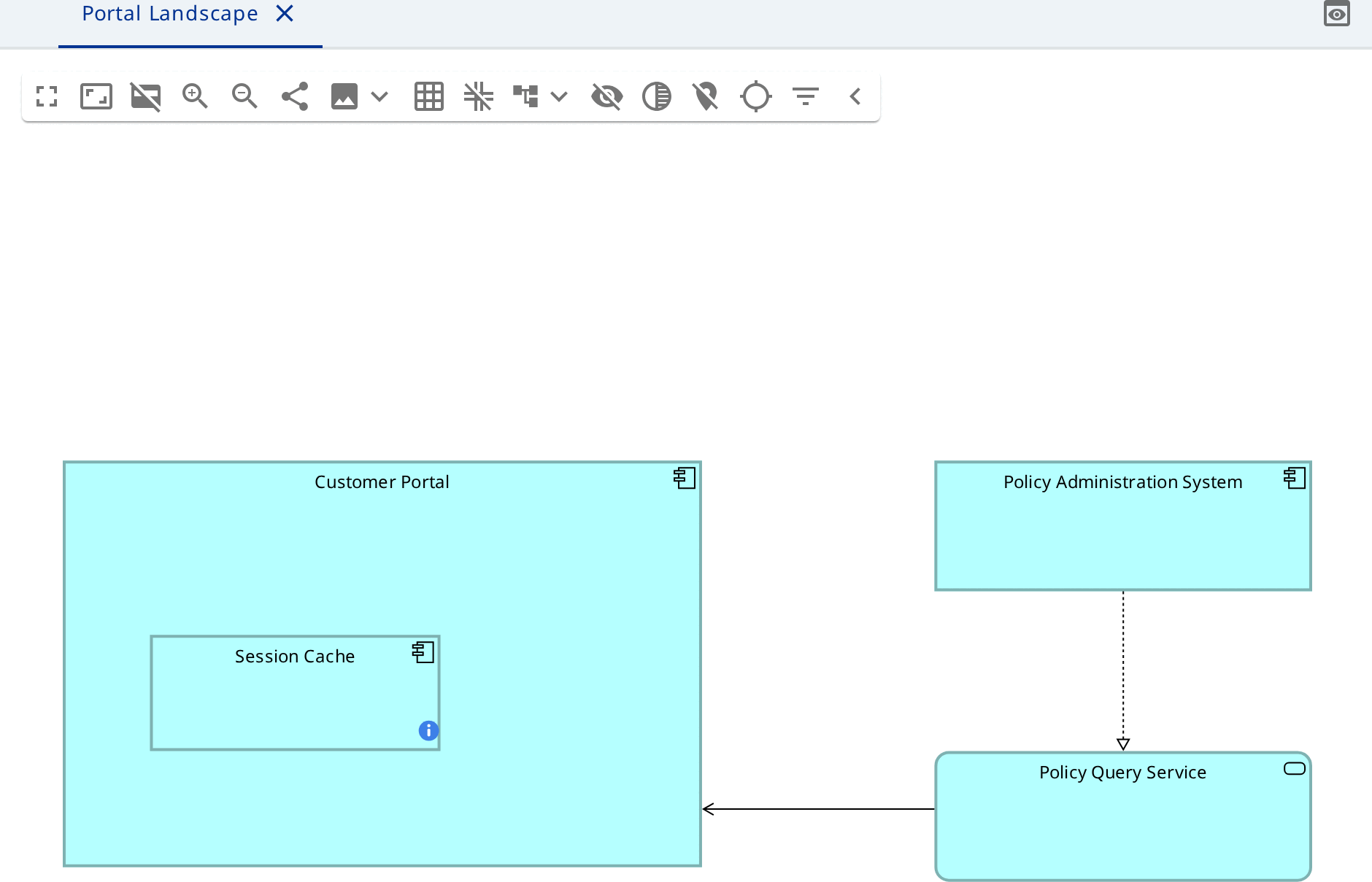
An object that breaks nothing carries no icon and no row. An object with several notices carries the icon of the worst of them.
| Severity | What it means |
|---|---|
| Error | The model is wrong: a mandatory value is missing, a relationship is not allowed |
| Warning | The model is questionable |
| Information | Worth knowing: an element on no view, an empty view |
Quick fixes
- Right-click the notice and choose the fix, for example Delete empty view.
- Read the task that opens: it lists exactly what will change.
- Clear the checkbox on any row you want to keep.
- Confirm.
The row disappears from the model explorer as soon as the model no longer breaks the rule.
Call a fix on the rule group instead of a single notice, and it applies to every object that rule reports.
ArchiMate ships these fixes: Delete unused element, Delete unused relationship, Delete empty view, Delete invalid relationship, Make the junction relationships uniform and Create the "type" relationship.
ArchiMate rules
- Relationships that the language does not allow between their two ends.
- Junctions mixing relationship types.
- Elements nested with no structural relationship to their container.
- Elements and relationships that appear on no view.
- Elements that the viewpoint of a view does not admit.
- Empty views.
Beyond the notation, the structure of the metamodel is checked too: an empty mandatory attribute or reference is an error on its own, without a rule written for it.