Pulling changes from the repository
Pulling brings the changes made by others into your local copy of the model. Where their edits touch the same objects as yours, the choice is left to you.
Archi periodically checks for model updates on the server and marks them with a small arrow next to the model name. To fetch these changes, click Pull on the tool palette:
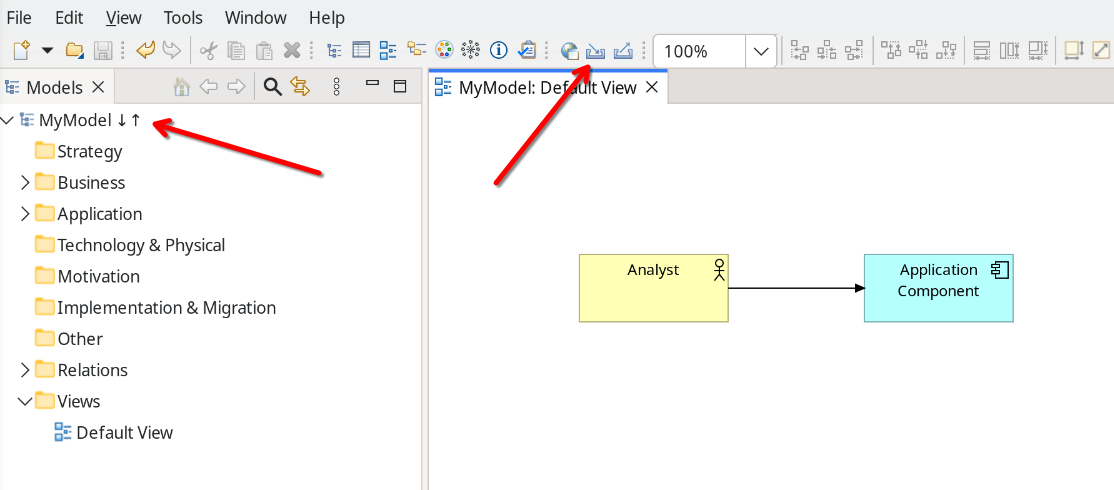
Archi saves the local model and compares it with the remote one. If there are no conflicts, the local model is updated silently. If the same objects were edited both locally and remotely, Archi shows the conflict resolution dialog:
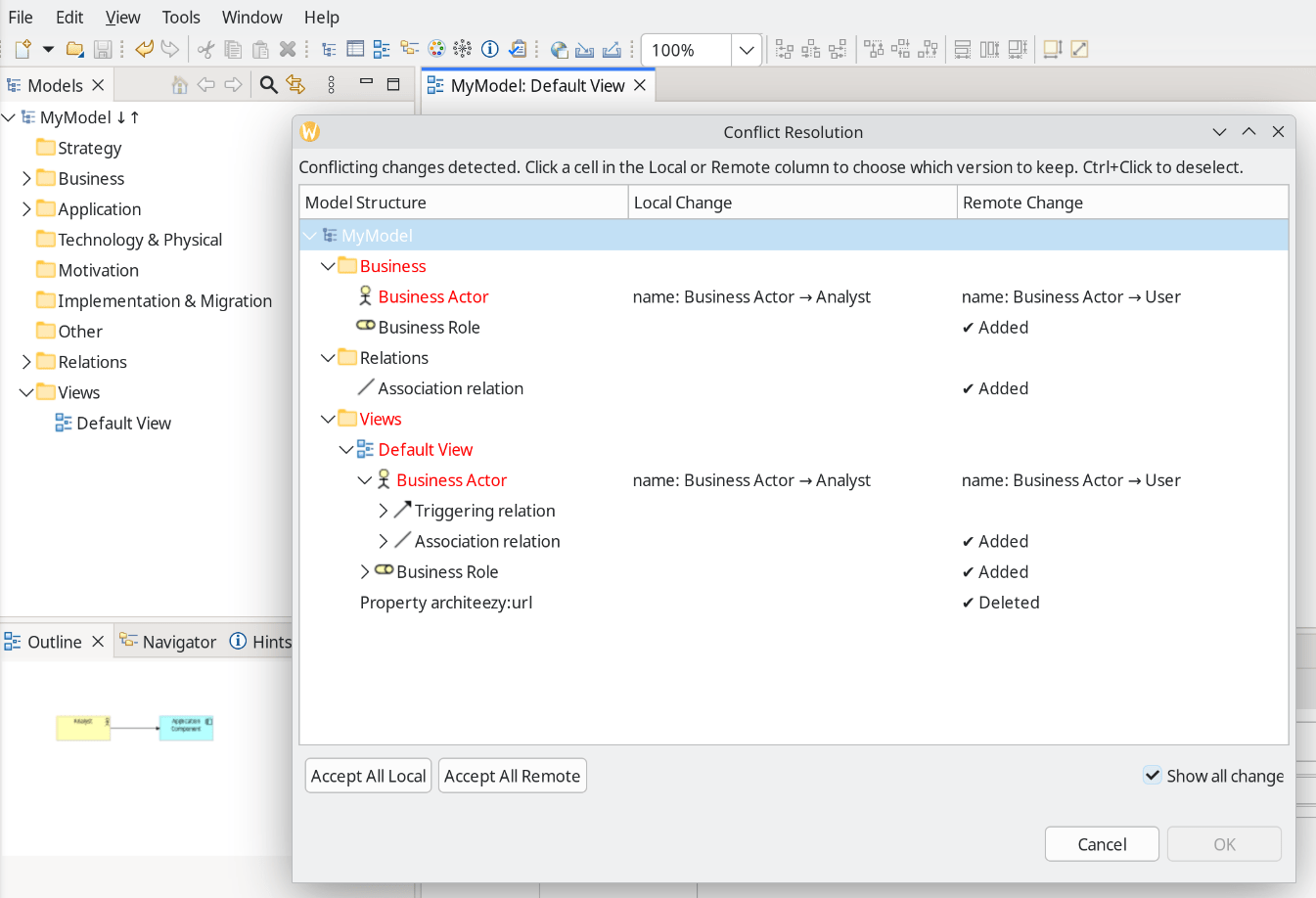
In this example, Business Actor was renamed to Analyst locally and to User remotely. Archi cannot resolve that on its own, so choose which change to apply.
The dialog shows all changes, not just the conflicting ones: here you also see that Business Role and Association were added to the repository.