Plugin installation
The plugin for Archi synchronizes a local model with an Architeezy project: one button sends your changes, another fetches the changes of others, and conflicts are resolved in a dialog. An exported model is opened in a browser by any member of the project.
Download the plugin.
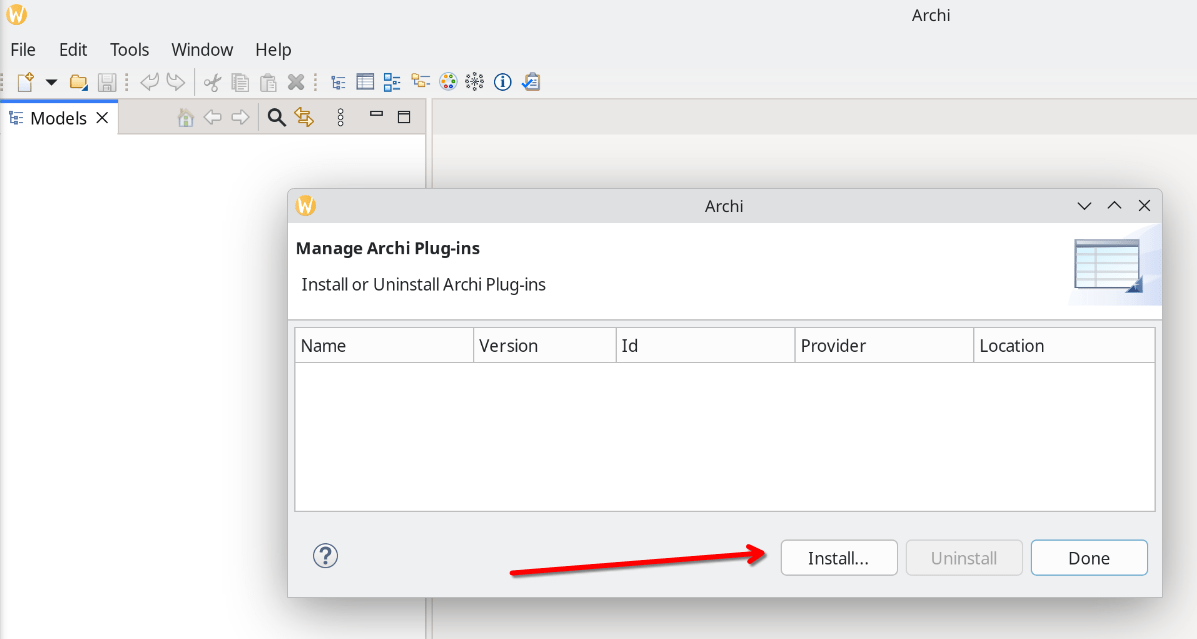
Launch Archi. From the main menu, select Help → Manage Plug-ins... In the dialog that appears, click Install... and select the downloaded file:
Restart Archi.