Exporting a model to the repository
Exporting puts a model from Archi into an Architeezy project. The wizard signs you in, asks for the project and sends the whole model in one pass. From then on the model is linked to the repository and is updated with Pull and Push.
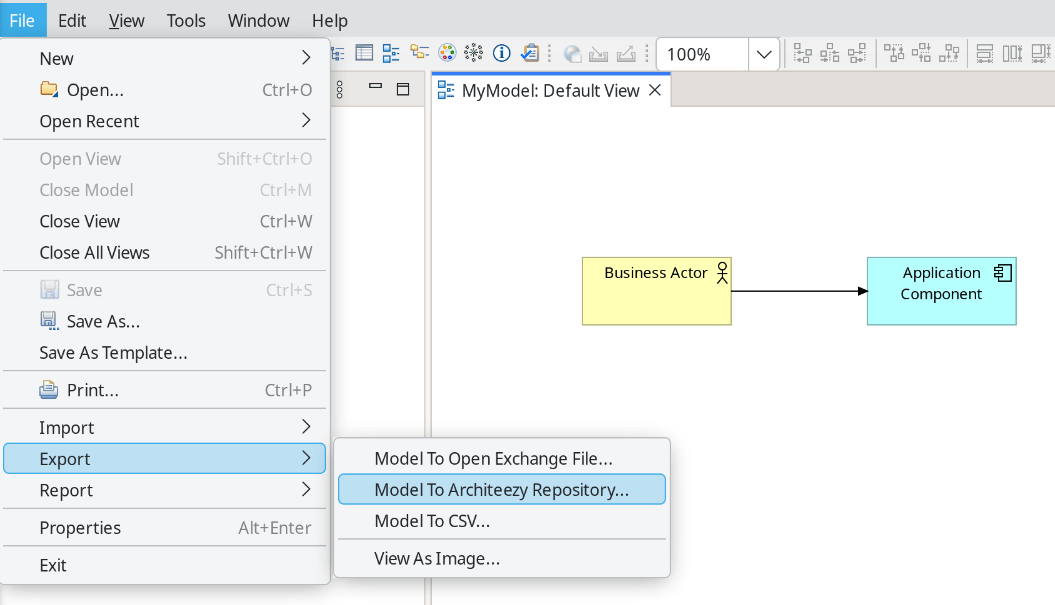
Create a new model in Archi or open an existing one. From the main menu, select File → Export → Model To Architeezy Repository...
The following dialog appears:
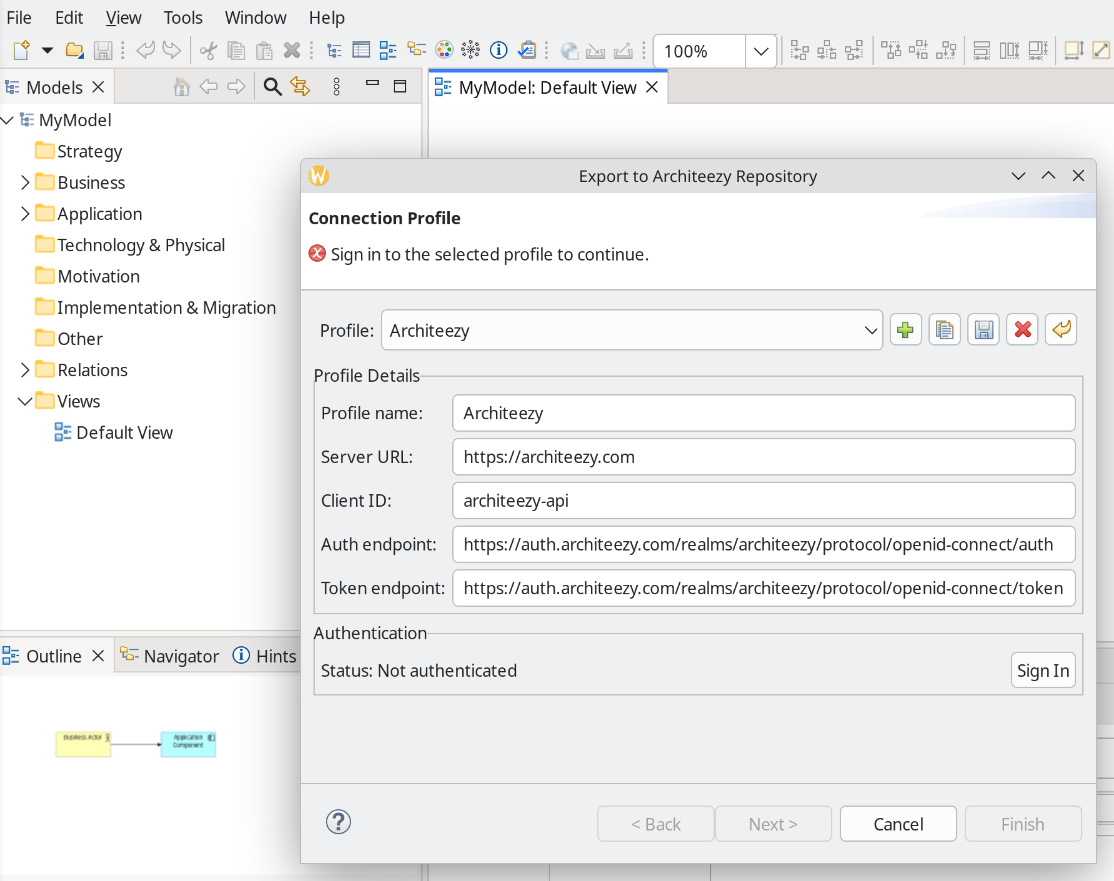
A profile for architeezy.com is there by default. Add a profile of your own to reach another server, a local one for example (local installation guide):
- Profile name - an arbitrary name for the connection profile
- Server URL - the Architeezy server address
- Client ID - client identifier in Keycloak or another identity management system
- Auth endpoint - URL of the OAuth authorization service
- Token endpoint - URL of the OAuth token service
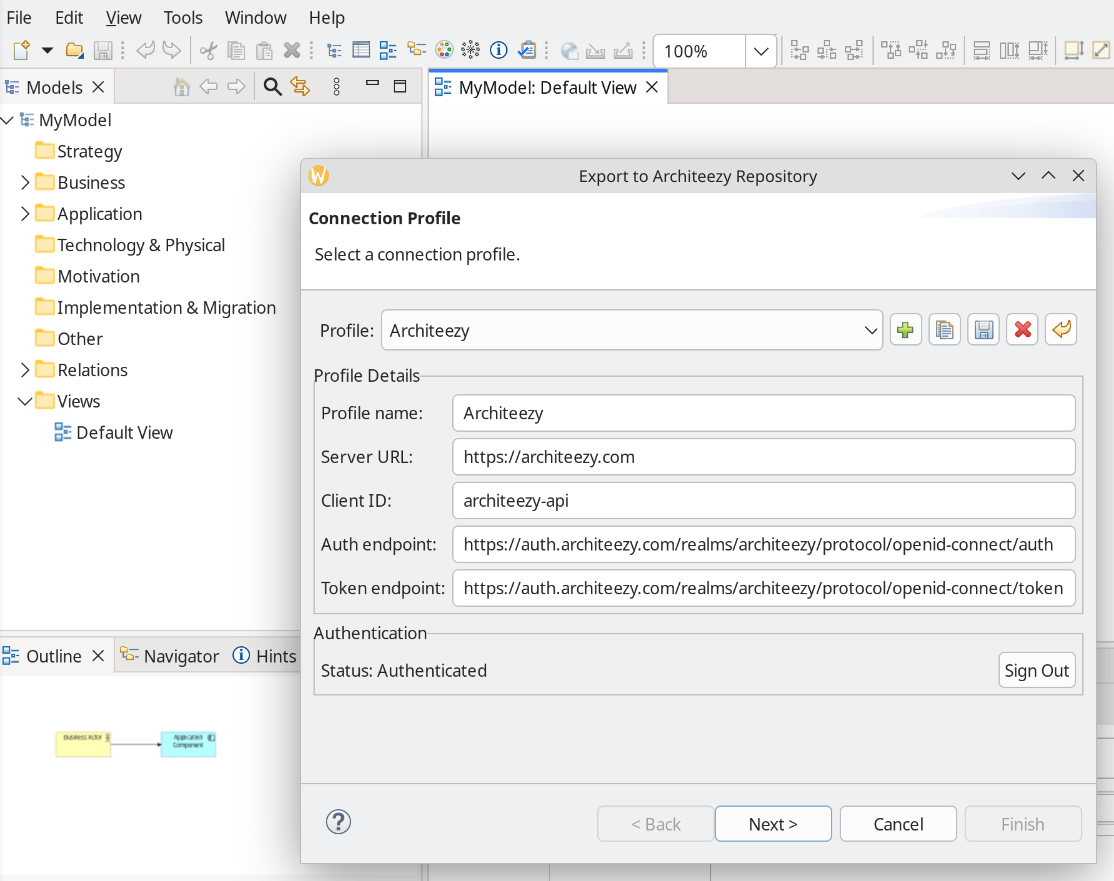
Select a profile and click Sign In. The sign-in page opens in your browser; once you have signed in, the export continues:
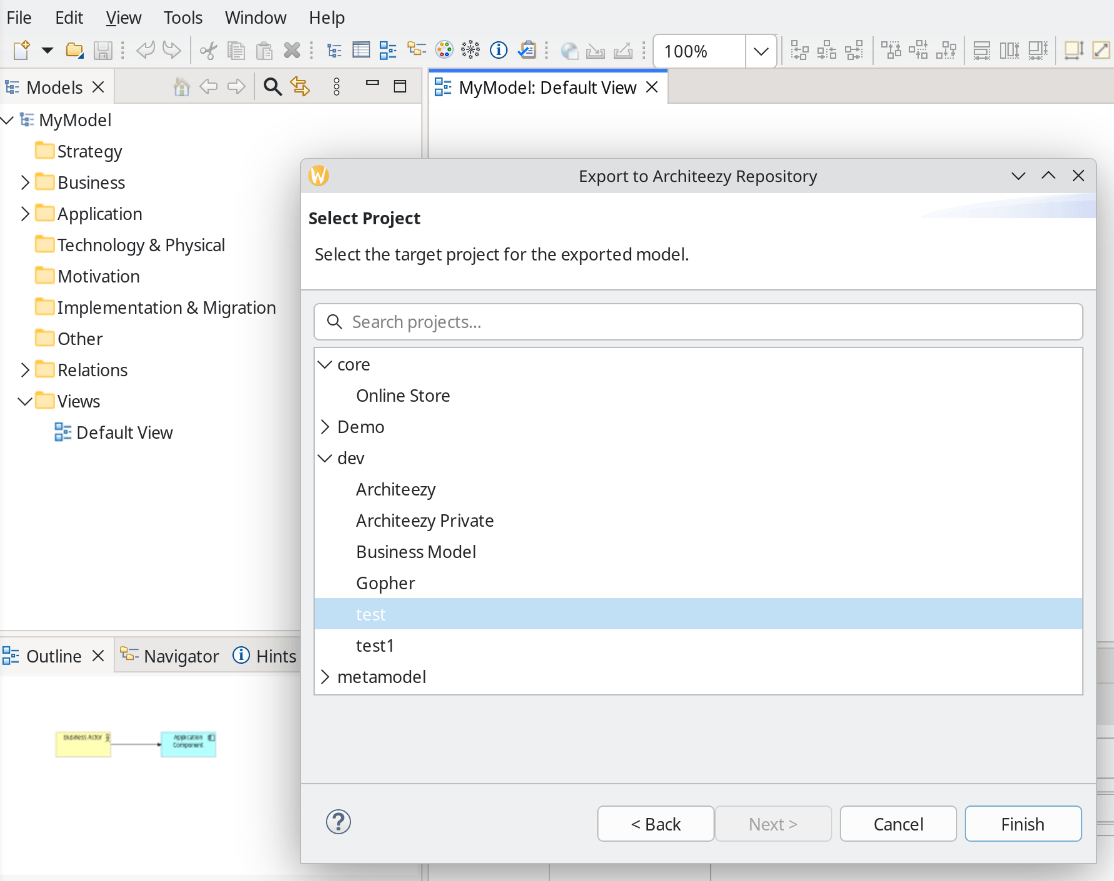
Select a project:
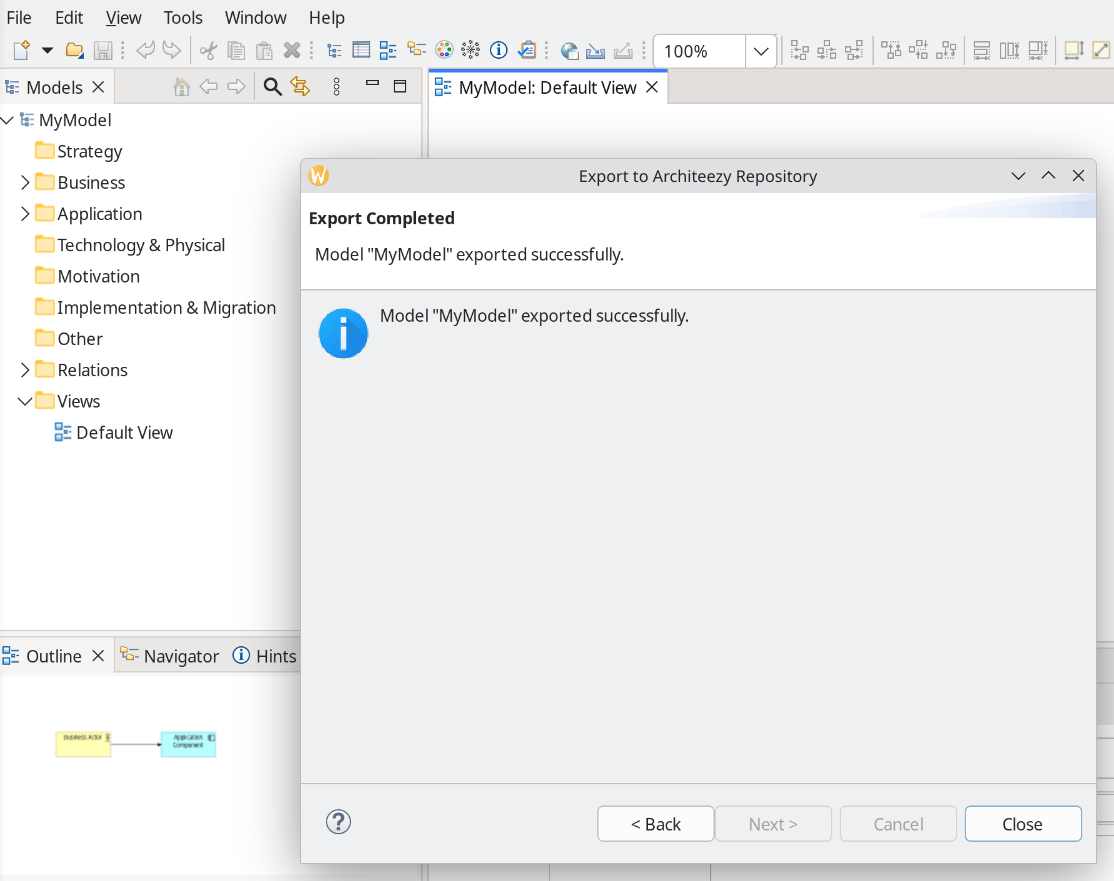
Make sure the export completed successfully: