Opening a model in a browser
An exported model is stored in the repository. Any member of the project can open it in a browser, without installing Archi.
To open the model in your browser, click the globe button on the toolbar:
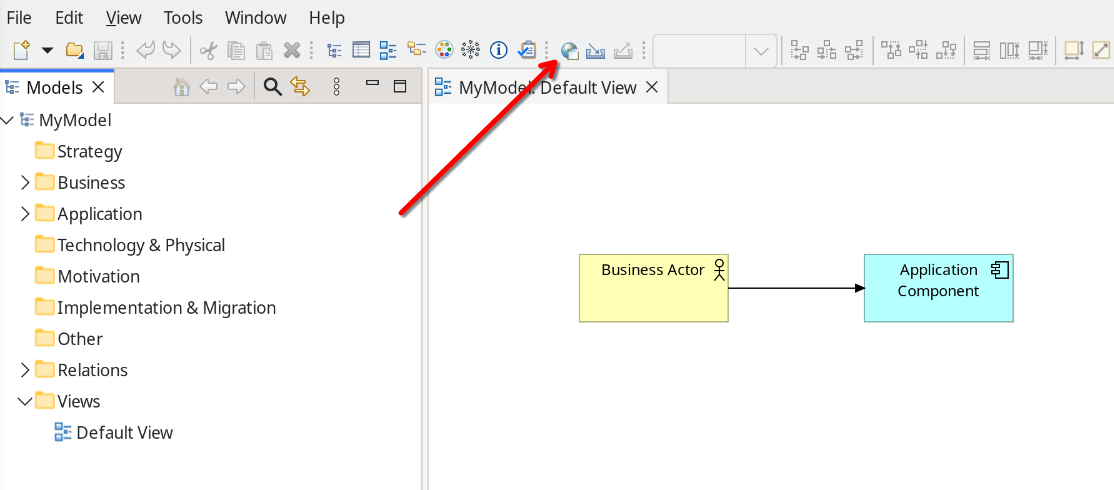
The model opens at the address of the project it was exported to. If you are not signed in yet, the sign-in page appears first.
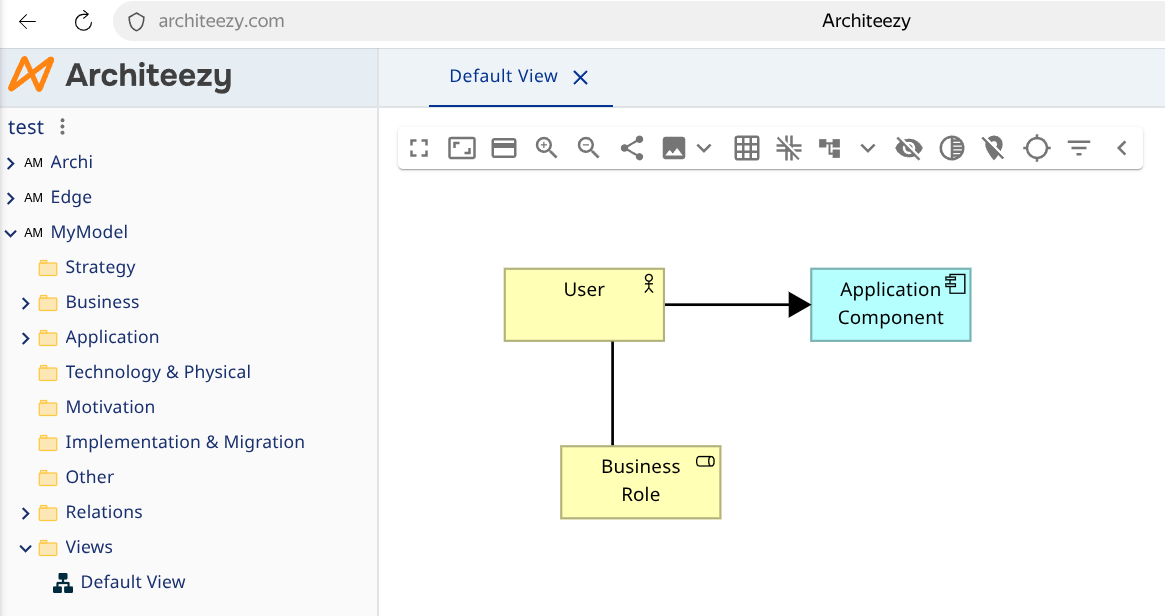
The model explorer on the left holds the same folders, elements and relationships as Archi. Select a view there to open it in the editor, and the details panel on the right shows the selected object.
Editing in the browser
The browser offers the same edits as Archi: open the model's views, rename elements, edit documentation and properties, and change the diagrams. Several people can work in the model at once and see each other's changes as they happen.
Sharing a link to the model
The address in the browser identifies the model, so it can be pasted into a ticket, a chat message or a wiki page. Members of the project follow it straight to the model.