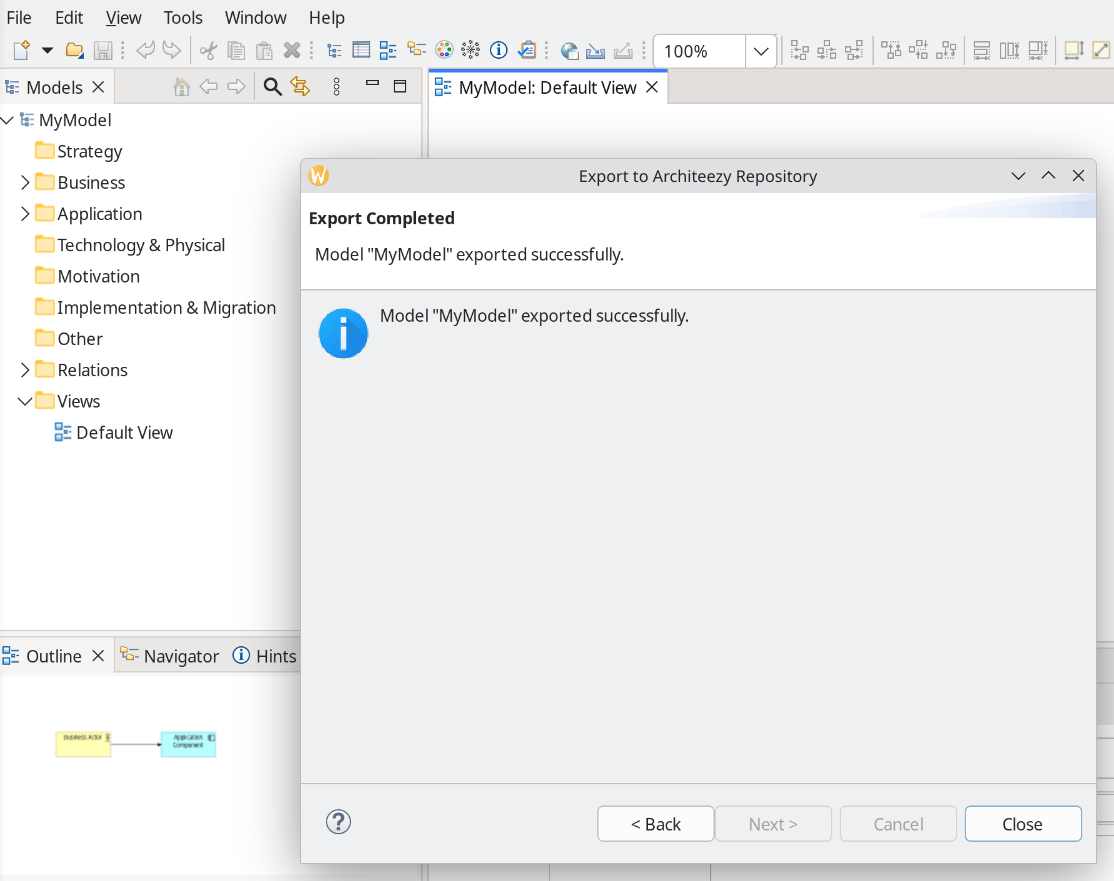
Export a model to the repository
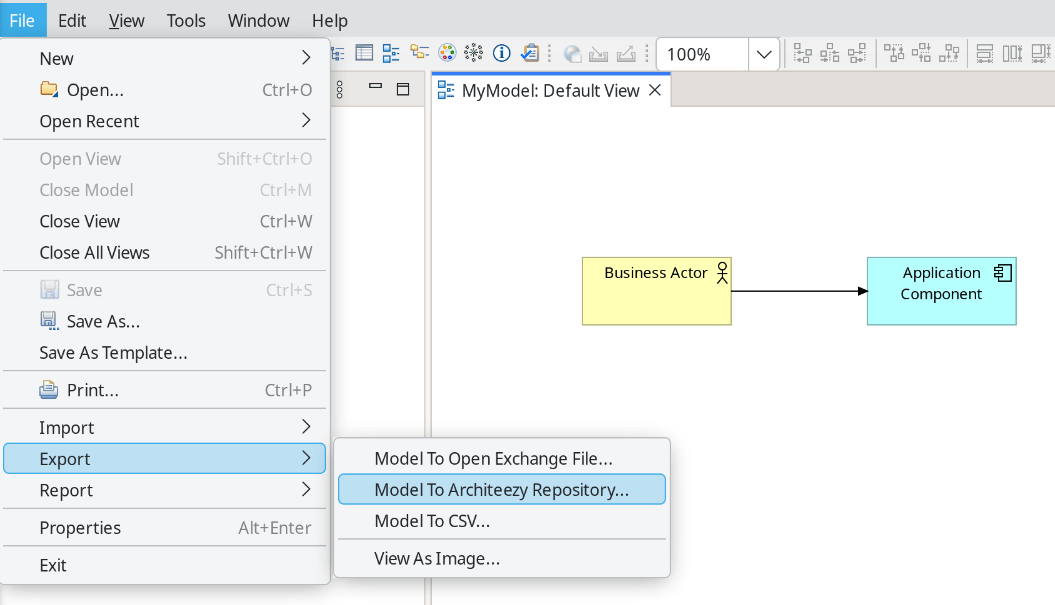
Create a new model in Archi or open an existing one. From the main menu, select File → Export → Model To Architeezy Repository...
The following dialog appears:
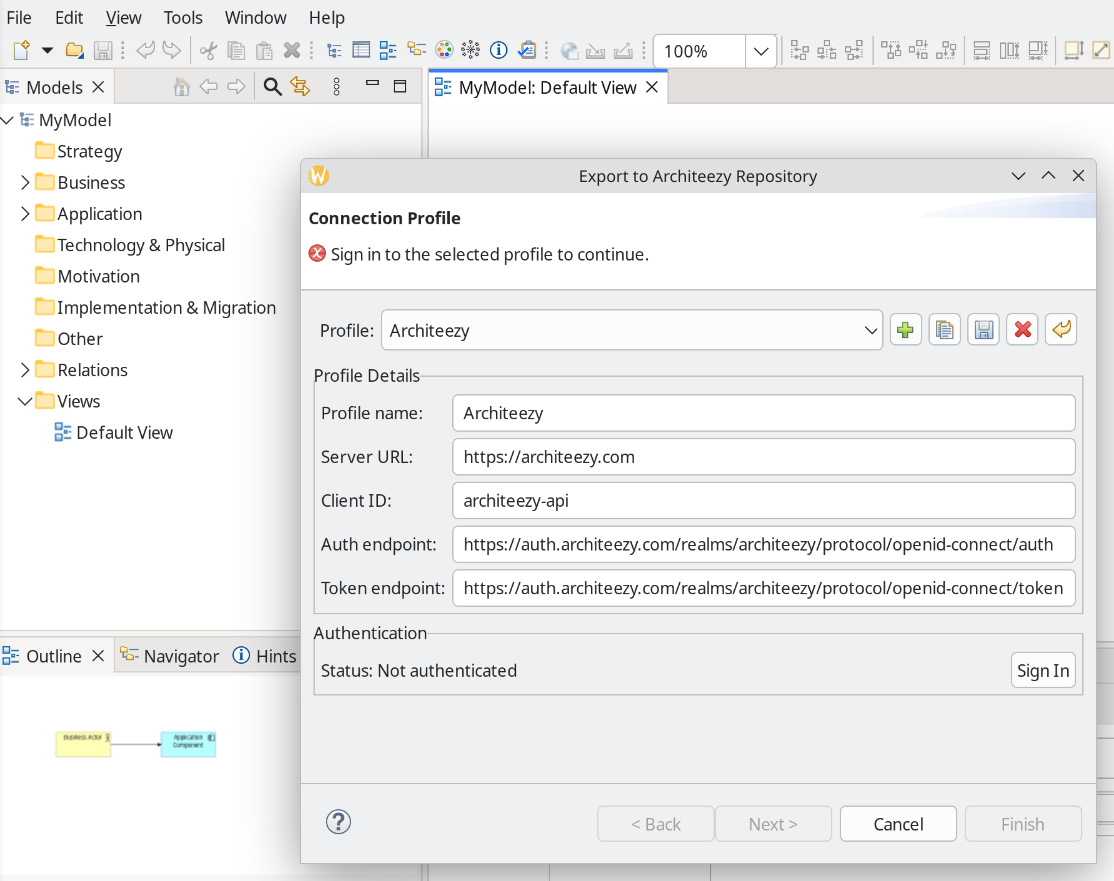
A profile for connecting to architeezy.com is available by default, but you can create additional profiles for connecting to other servers, such as a local one (local installation guide):
- Profile name — an arbitrary name for the connection profile
- Server URL — the Architeezy server address
- Client ID — client identifier in Keycloak or another identity management system
- Auth endpoint — URL of the OAuth authorization service
- Token endpoint — URL of the OAuth token service
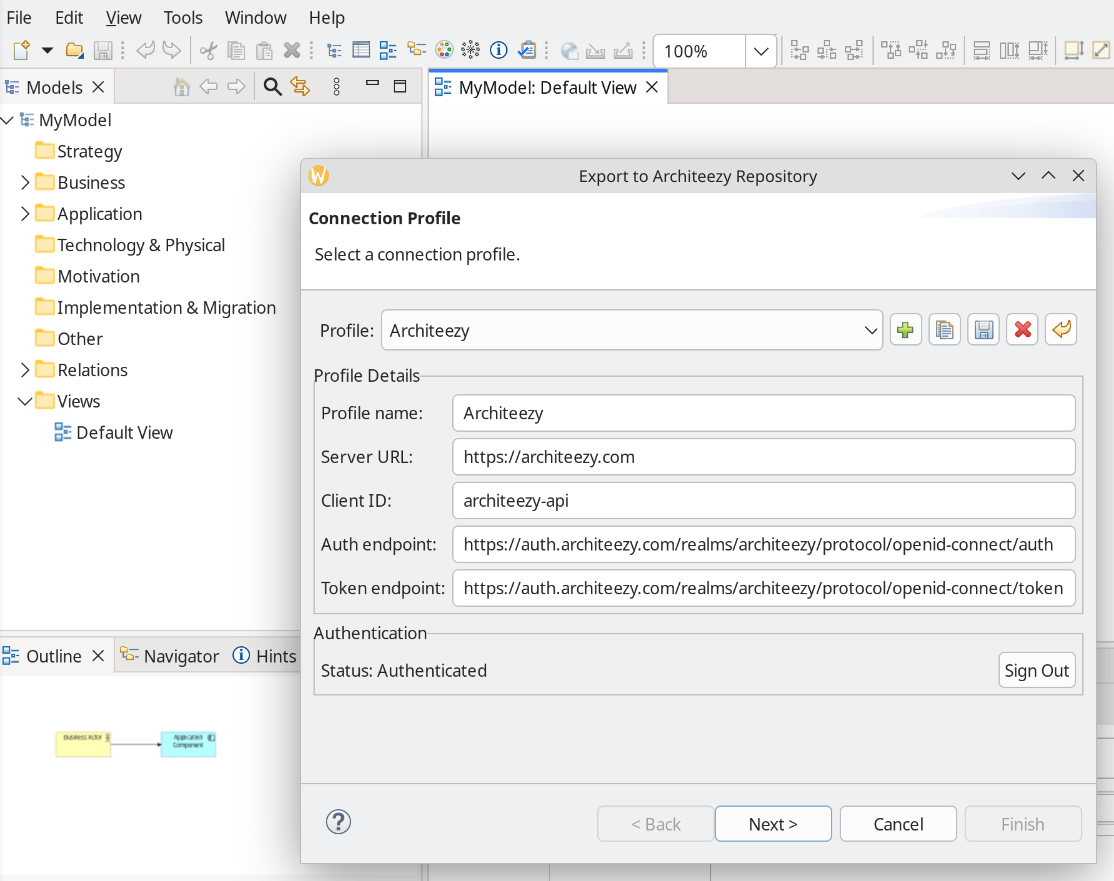
After selecting a profile, click Sign In. The sign-in page opens in your browser, and once you have signed in you can continue exporting the model:
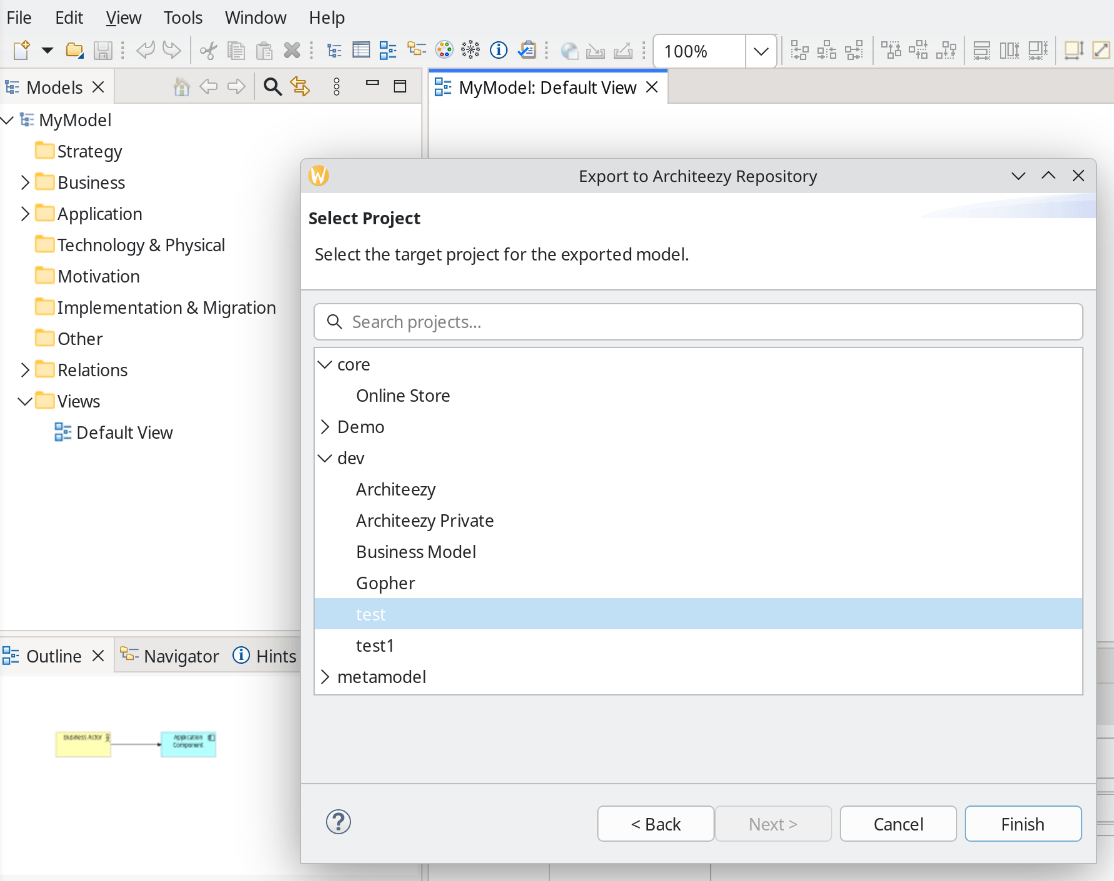
Select a project:
Make sure the export completed successfully: